Troubleshooting
March 25, 2026
Common Signs Your Device May Have a Driver Issue
Nikhil Varma
Hardware Specialist
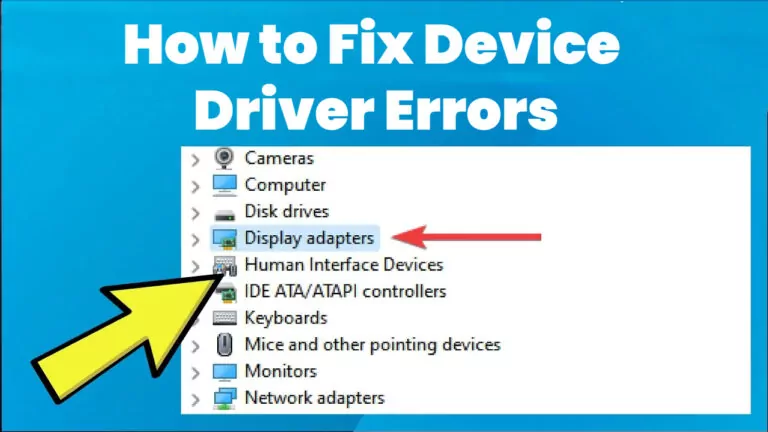
Device drivers play an important role in helping your operating system communicate with hardware components. When a driver is missing, outdated, incompatible, or not functioning properly, your device may begin to show unusual behavior.
Many users experience technical problems without realizing that the root cause may be driver-related. Understanding the common signs of a driver issue can help you better recognize problems and learn why they happen.
Device Recognition Problems
One of the most common signs of a driver issue is when a device is not recognized by the computer. This often happens with printers, USB devices, scanners, webcams, or external storage devices. You connect the device, but nothing happens, or the system displays an error message saying the device cannot be detected. In many cases, this may point to a missing or incompatible driver that is preventing proper communication.
Reduced Hardware Performance
Another common sign is reduced hardware performance. For example, if your display looks unusual, the screen resolution changes unexpectedly, or graphics appear laggy or distorted, the graphics driver may be involved. Similarly, if your audio suddenly stops working, becomes unclear, or the sound device disappears from system settings, an audio driver issue could be the reason. When the correct driver is not working as expected, the hardware may only function partially or with limited performance.
"When system problems seem linked to specific hardware behavior, drivers may be part of the issue."
Frequent Errors and Instability
Frequent error messages can also suggest a driver problem. Some users may notice warnings during startup, while installing devices, or when trying to use a specific function such as printing or connecting to Wi-Fi. These messages may mention device failure, unsupported hardware, or communication errors.
System instability is another possible sign. In some cases, faulty drivers may contribute to freezing, crashing, or random restarts, especially when a certain device is being used. For example, a problematic graphics or chipset driver may affect system stability during heavy usage, while a network driver issue may interrupt connectivity repeatedly.
Post-Update Issues & Functionality:
- Devices that stop working after an OS update often indicate a compatibility gap.
- Limited functionality, like a touchpad losing gesture support, points to driver limitations.
- Printers connecting but failing to print correctly is a classic driver communication symptom.
Conclusion
In conclusion, common signs of a driver issue include devices not being detected, poor performance, sound or display problems, frequent errors, system instability, update-related problems, and reduced functionality. While not every hardware issue is caused by a driver, drivers are often an important factor behind these symptoms. Learning to recognize these signs can help users better understand their devices and the role drivers play in everyday computing.