Basics
March 10, 2026
How to Understand Driver Compatibility with Your System
Hardware Experts
Mad About Drivers
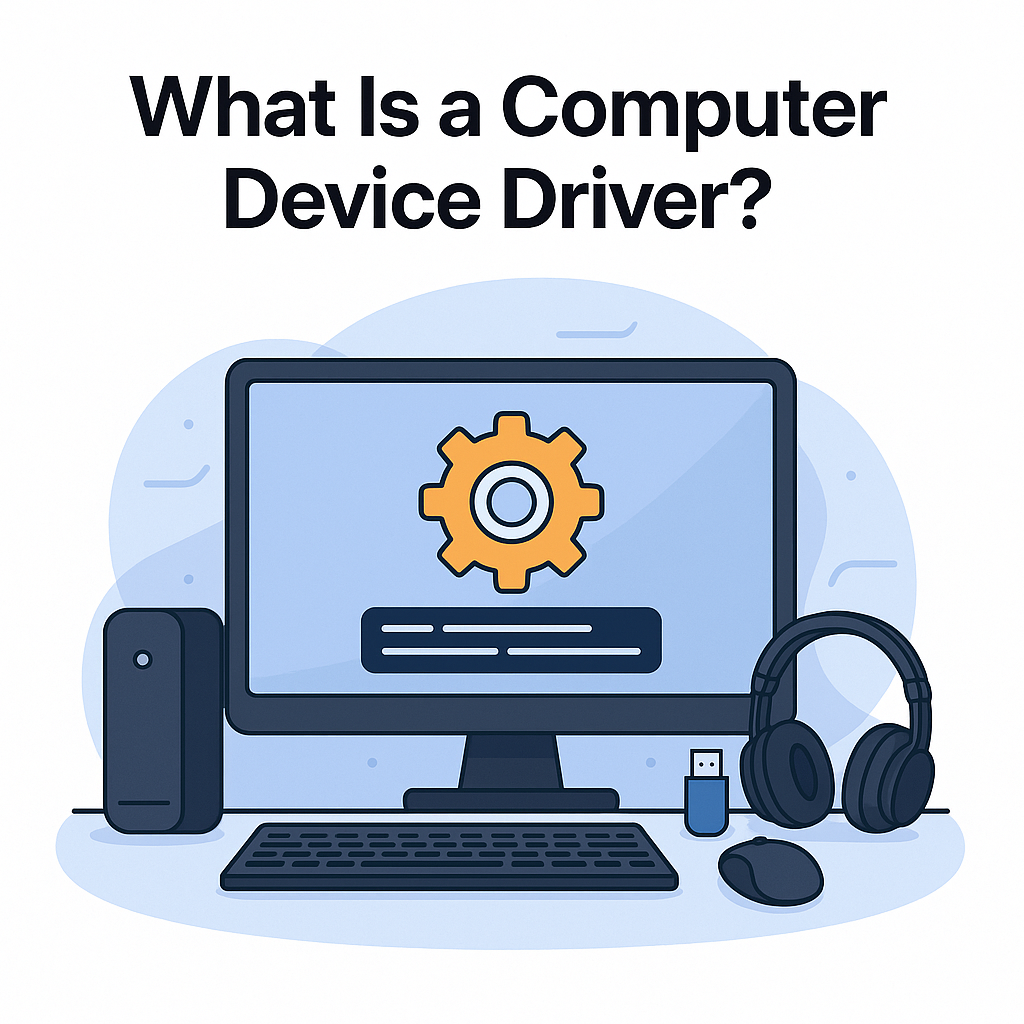
Driver compatibility is an important part of making sure your computer and hardware devices work properly together. A device driver is the software that allows your operating system to communicate with hardware such as printers, graphics cards, and other peripherals.
If the driver is not compatible with your system, the device may not work correctly, may lose features, or may not work at all. Understanding driver compatibility can help users avoid confusion and better support overall device performance.
Operating System Requirements
The first thing to understand is that drivers are designed for specific operating systems and hardware models. A driver that works for one version of Windows, for example, may not work the same way on another version. Different operating systems have different technical requirements, and drivers are usually developed to support specific versions.
A system update can sometimes change how the operating system communicates with hardware, which is why manufacturers may release updated drivers over time. If the system is newer but the driver is older, compatibility problems may appear.
Hardware Model Matching
Hardware model matching is another key factor. Even devices that look similar may require different drivers based on their exact model number, series, or generation. For example, one printer family may include several models, but each may have its own driver requirements. Installing the wrong driver can cause communication problems or stop the device from performing as expected.
"Compatibility depends on the match between the operating system, the device model, and the driver version."
System Architecture and Feature Support
Many computers use either 32-bit or 64-bit operating system architecture, and drivers are often built to match one or the other. A driver that is intended for a different system type may not install correctly or may not work properly.
Another important part of compatibility is feature support. Sometimes a device may work on a system with a basic or generic driver, but not all features will be available. For example, a printer may print basic documents, but scanning or wireless features may not function as intended without the proper compatible driver.
Key Compatibility Factors:
- Operating System Version (e.g., Windows 10 vs Windows 11).
- Exact Hardware Model Number and Series.
- System Architecture (32-bit vs 64-bit).
- Driver Version Number and Release Date.
Learning about driver compatibility can also help users understand common device issues. Problems such as missing features, hardware not being detected, poor display output, sound issues, or unstable connections may sometimes be linked to compatibility gaps between the system and the installed driver.
In conclusion, understanding driver compatibility means recognizing how your operating system, hardware model, system type, and driver version work together. When these elements match correctly, devices are more likely to perform smoothly and reliably.